See it in action
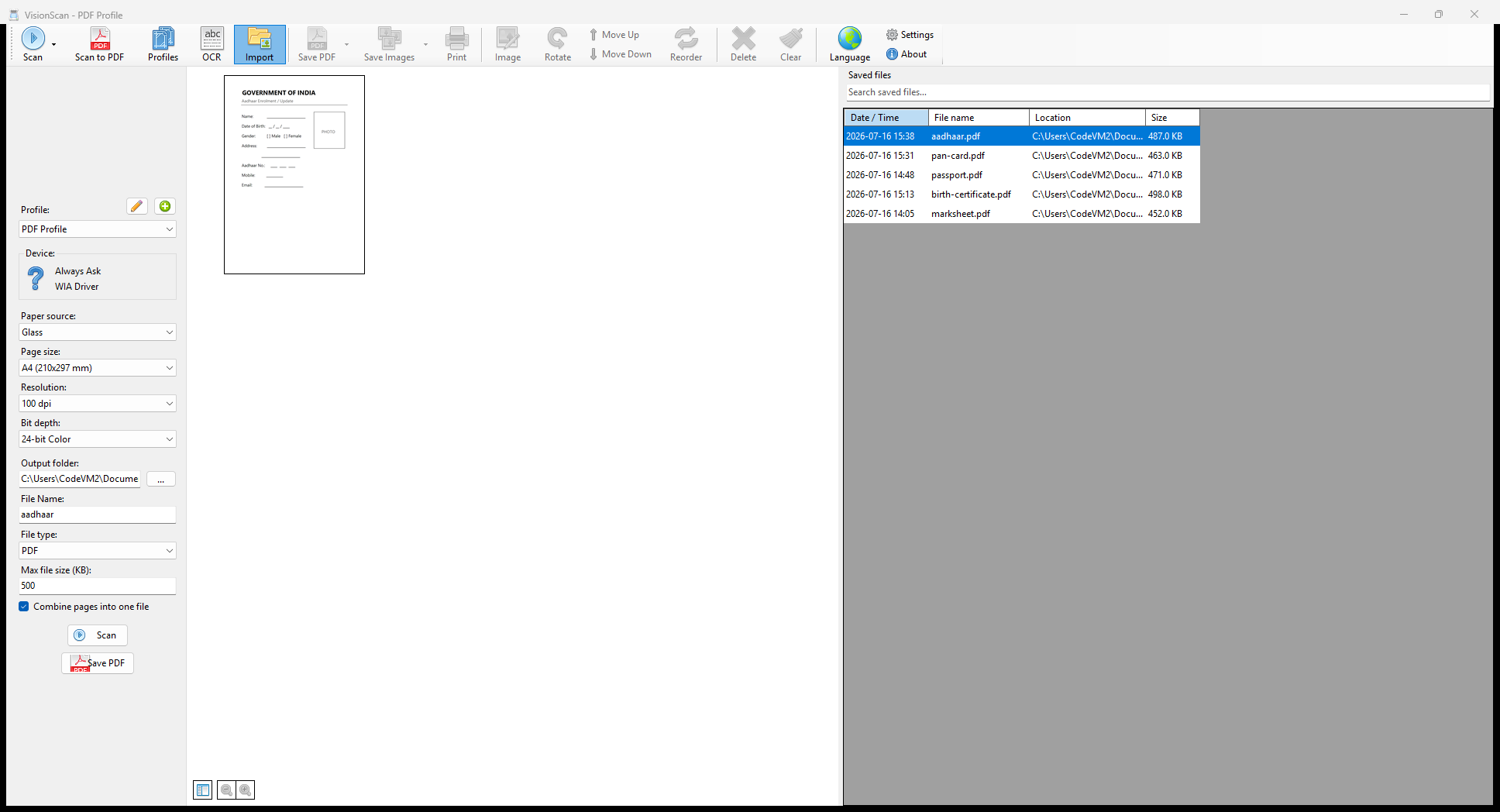
A look at the VisionScan interface.
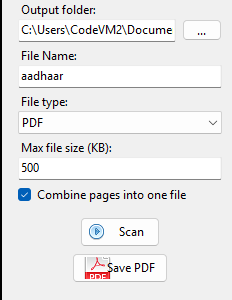
Scan to a target file size
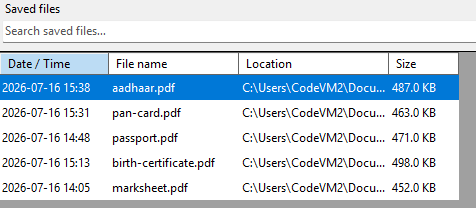
Saved files list
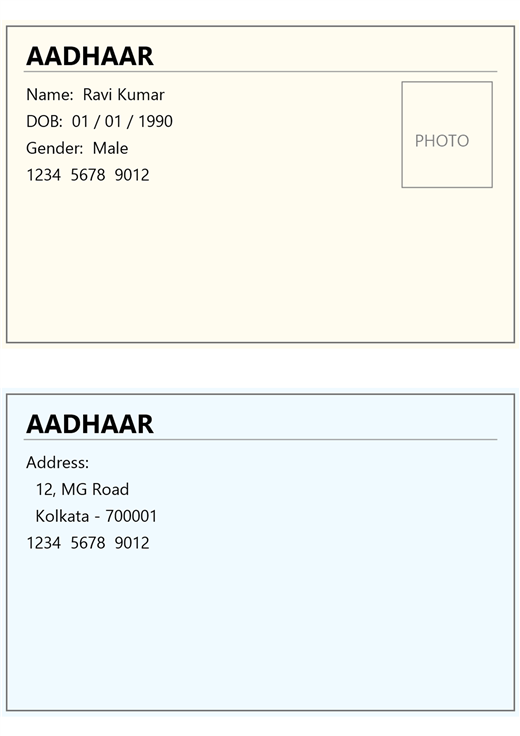
Combine both sides of an ID card
VisionScan turns any scanner into a private document station. Save as PDF or image, resize, remove backgrounds, OCR — everything stays on your machine.
Download for WindowsWindows 10 / 11 · 64-bit · Free
No subscription. No upload. No waiting.
Works with any WIA, TWAIN, or ESCL/AirScan compatible scanner or multifunction printer.
Output to any major format. Multi-page PDFs, single images, or both at once.
Recognise text in scanned pages and embed it — copy, paste, and search your documents.
Fix orientation, trim edges, tune brightness and contrast before saving.
Remove the white background from a scanned signature or stamp for overlay onto documents.
Set pixel size, physical dimensions (mm / cm / in), DPI, or a target file size in KB.
Scan multiple pages in one pass. Combine into a single PDF automatically.
No account, no telemetry, no cloud. Your documents never leave your machine.
A look at the VisionScan interface.
Scan to a target file size
Saved files list
Combine both sides of an ID card
No account. No sign-up. No waiting.
Click below to download the free Windows installer — one small file, no extras bundled.
VisionScan-Setup.exe →Run the installer, follow the on-screen steps. Takes under a minute on most machines.
Open VisionScan, select your scanner from the list, and start scanning immediately.
Runs on any modern Windows PC with a compatible scanner.
Free to download. No subscription. Works offline.
Download VisionScan — Free